




Why buy from us?
Lorem Ipsum is simply dummy text of the printing and typesetting industry.
Ask a Question About This Product
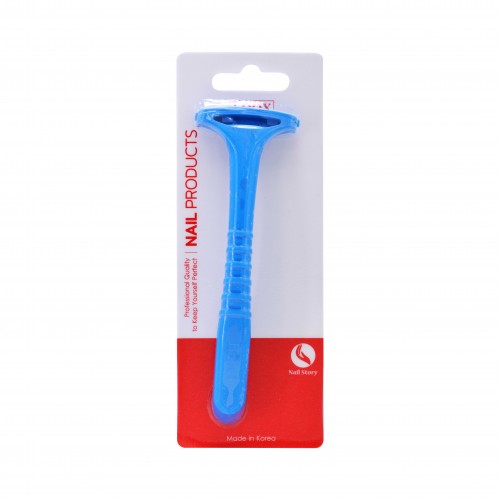
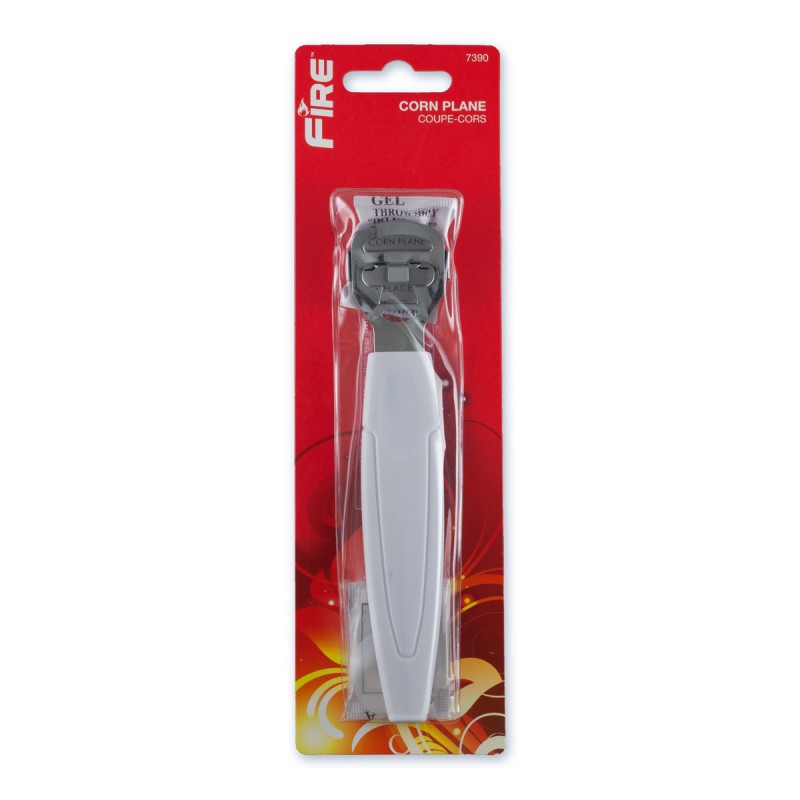
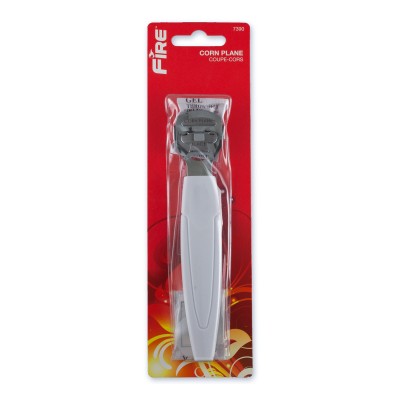
7390 CORN PLANE
Create unlimited custom product blocks and display them in accordions or tabs or open blocks. Each block can be assigned to all products at once or specific products according to advanced criteria.
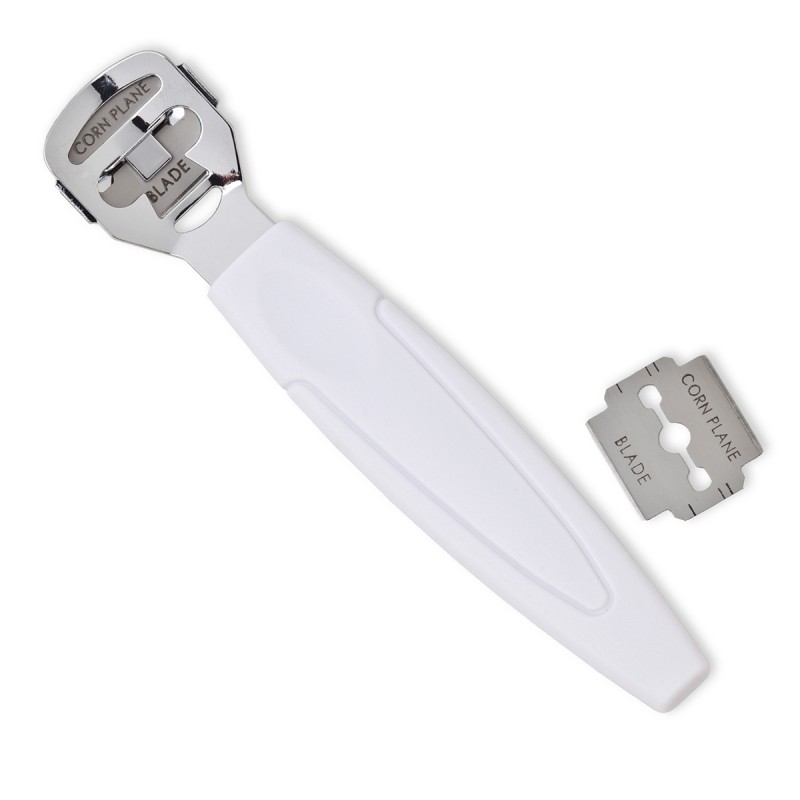
FİRE Quickly shaves excess calluses • Sturdy handle for improved control • Two refill blades included For Professional Results: Soak feet to soften calluses. Draw the corn plane across the callused area to shave off a thin layer of dead skin. Be careful not to cut live skin. To change the blade: Place the round, rubber pad on a flat surface. Gently press the corn plane's blade holder against the pad and push the handle away from yourself. This will allow you to access the blade. Carefully turn the blade around (or replace it with a new blade if both edges have already been used). Place the corn plane handle over the holder and slide toward you, while pressing dewn, to reassemble the corn plane. WARNING: This tool contains a sharp blade and should be handled with care. Calluses protect your feet and should not be aggressively removed. Please do not use this tool if you are diabetic or suffer from poor circulation. Quality Guarantee We stand behind the quality of our products 100%. If your tool is defective, please return it to us for a replacement.
Builder in Product TAB
NEW! Since Journal 3.2, the much improved T.A.B (Tabs Accordion Blocks) system supports the page builder inside the tab content. Unlimited Blocks, Tabs or Accordions with any HTML content or the builder interface (supporting custom rows/columns/modules) can be assigned to any individual product or to certain groups of products, like entire categories, brands, products with specific options, attributes, price range, etc.
You can indicate any criteria via the advanced product assignment mechanism and only those products matching your criteria will display the modules.
Also, any module can be selectively activated per device (desktop/tablet/phone), customer login status and other criteria. Imagine the possibilities.